The Only Agency in India Offering 1 Year of Free Technical Support

Shopify Migration Service

Known For Building High Performing Websites That Your Customers Love.

Digital Solutions

Browse Our Projects in Motion

See All The Businesses We Have Transformed

Trusted by Hundreds Of Healthcare, Manufacturing & Ecommerce Brands

Aqua Store

Aqua Store

@aquastorein

12k Followers

Backersway

Backersway

@the_bakersway

1k Followers

Concept Kart

Concept Kart

@conceptkartofficial

5k Followers

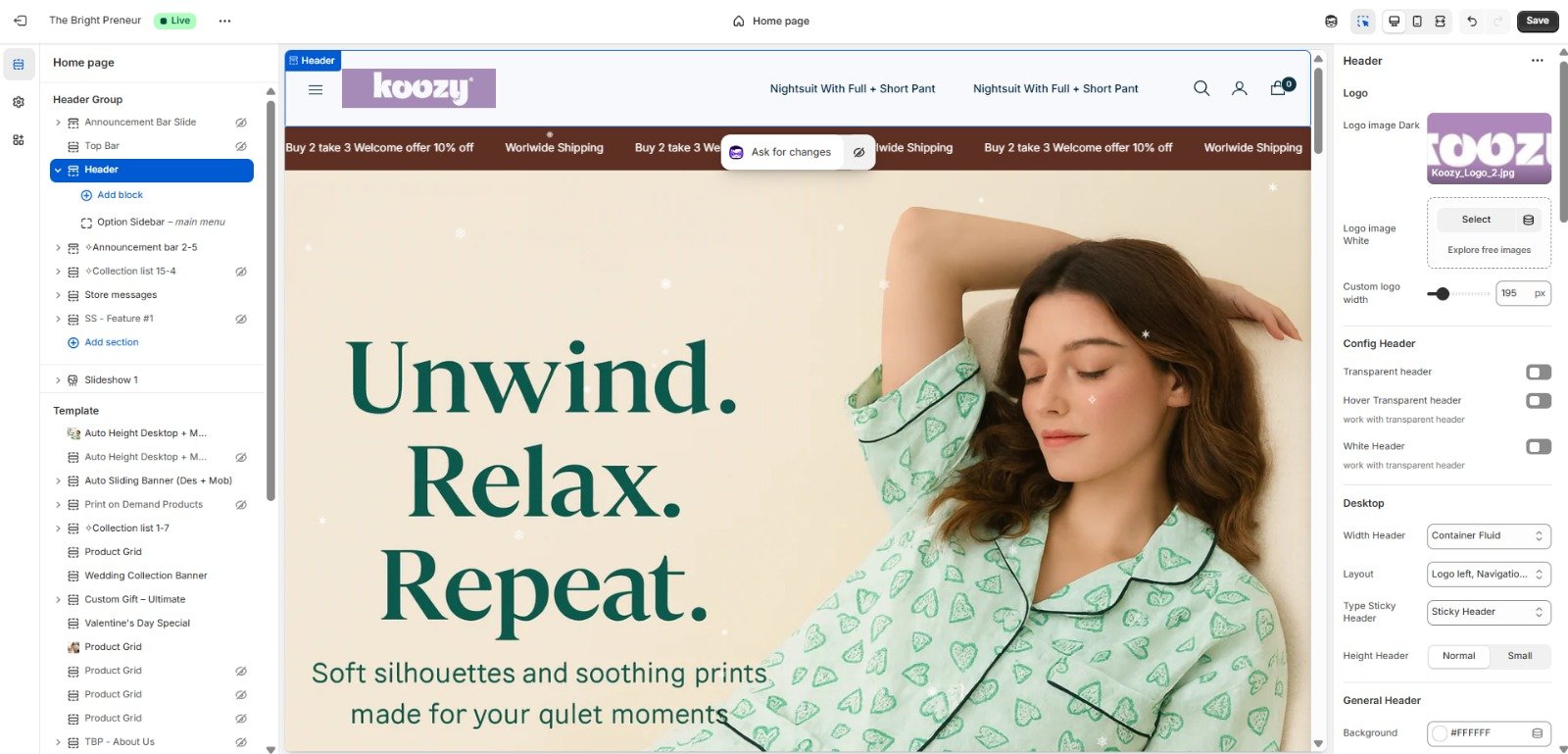
Koozy Wear

Koozy Wear

@koozywear

1k Followers

Trevoinnovations

Trevoinnovations

@trevoinnovations

1k Followers

Corbett Trip

Corbett Trip

@corbetttrip

1k Followers

Dlr Group

Dlr Group

@dlr_group

24k Followers

Hn Cart

Hn Cart

@hnhcart

2k Followers

Next Phase Nutrition

Next Phase Nutrition

@nextphase_nutrition

1k Followers

Pench Tigers Reserve

Pench Tigers Reserve

@penchtigersreserve

1k Followers

Research Fox

Research Fox

@researchfox

1k Followers

Solarzon

Solarzon

@solarzonenergy

1k Followers

VT Holidays

VT Holidays

@vacationtourholidays

1k Followers

Willjini

Willjini

@willjini.india

7k Followers

My 99 Cart

My 99 Cart

@my99cart_234

10k Followers

HideGhar

HideGhar

@officialhideghar

1k Followers

Kajree

Kajree

@kajreeretail

6K Followers

Home Glanza

Home Glanza

@homeglanza

1k Followers

M8group

M8group

@motive8group

1k Followers

Kazari

Kazari

@kazari.co.in

1K Followers

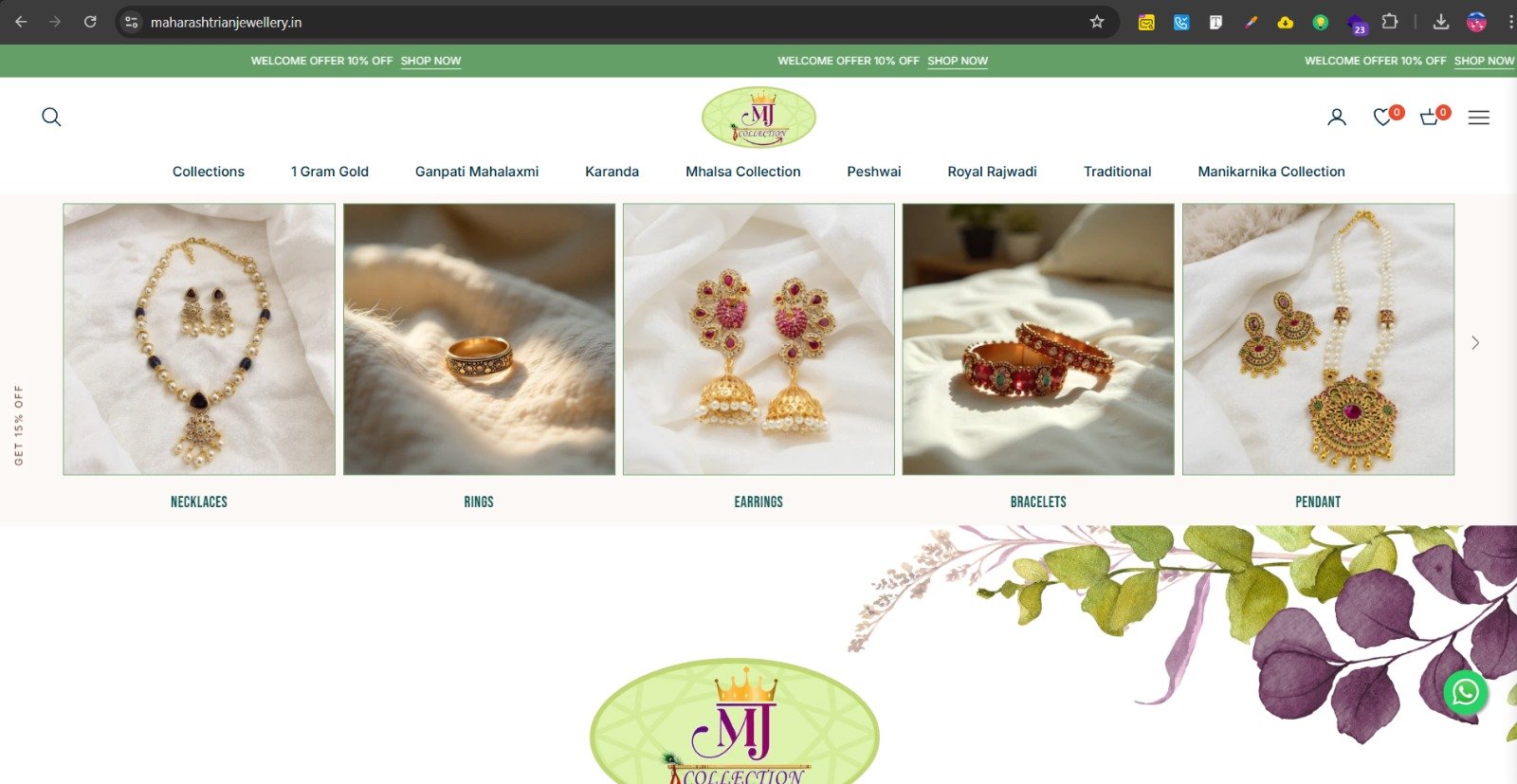
Mj Collection

Mj Collection

@official_mj_collection555

50K Followers

Shaaba Clothing

Shaaba Clothing

@shaabaclothing

5K Followers

Sutara

Sutara

@sutara.co.in

1K Followers

Revat Accessories

Revat Accessories

@revat.accessories

1K Followers

Falcon Autotech

Falcon Autotech

@falconautotech

1k Followers

Indinoor

Indinoor

@indinoorjewellery

15K Followers

Rk blouses

Rk blouses

@r.k._creation_official

417K Followers

Alokki

Alokki

@alokkijewellery

1K Followers

Sutrikaah

Sutrikaah

@sutrikaah

5K Followers

Mamichi

Mamichi

@mamicha.in

18K Followers

Aqua Store

Aqua Store

@aquastorein

12k Followers

Backersway

Backersway

@the_bakersway

1k Followers

Concept Kart

Concept Kart

@conceptkartofficial

5k Followers

Koozy Wear

Koozy Wear

@koozywear

1k Followers

Trevoinnovations

Trevoinnovations

@trevoinnovations

1k Followers

Corbett Trip

Corbett Trip

@corbetttrip

1k Followers

Dlr Group

Dlr Group

@dlr_group

24k Followers

Hn Cart

Hn Cart

@hnhcart

2k Followers

Next Phase Nutrition

Next Phase Nutrition

@nextphase_nutrition

1k Followers

Pench Tigers Reserve

Pench Tigers Reserve

@penchtigersreserve

1k Followers

Research Fox

Research Fox

@researchfox

1k Followers

Solarzon

Solarzon

@solarzonenergy

1k Followers

VT Holidays

VT Holidays

@vacationtourholidays

1k Followers

Willjini

Willjini

@willjini.india

7k Followers

My 99 Cart

My 99 Cart

@my99cart_234

10k Followers

HideGhar

HideGhar

@officialhideghar

1k Followers

Kajree

Kajree

@kajreeretail

6K Followers

Home Glanza

Home Glanza

@homeglanza

1k Followers

M8group

M8group

@motive8group

1k Followers

Kazari

Kazari

@kazari.co.in

1K Followers

Mj Collection

Mj Collection

@official_mj_collection555

50K Followers

Shaaba Clothing

Shaaba Clothing

@shaabaclothing

5K Followers

Sutara

Sutara

@sutara.co.in

1K Followers

Revat Accessories

Revat Accessories

@revat.accessories

1K Followers

Falcon Autotech

Falcon Autotech

@falconautotech

1k Followers

Indinoor

Indinoor

@indinoorjewellery

15K Followers

Rk blouses

Rk blouses

@r.k._creation_official

417K Followers

Alokki

Alokki

@alokkijewellery

1K Followers

Sutrikaah

Sutrikaah

@sutrikaah

5K Followers

Mamichi

Mamichi

@mamicha.in

18K Followers

TRANSPARENT PRICING
Other Agencies
50,000 +
  • Hidden charges
  • Template designs
  • Limited support
  • Extra for features
VS
The Bright Preneur
Starts at
45,000
SAVE 10%
  • Zero hidden charges
  • Custom premium design
  • 1 Year free support
  • All features included
Technical Support
1 YEAR FREE
Others: ₹10,000/yr You Save: ₹10,000
Advanced Features
INCLUDED
Others: ₹10,000 extra You Save: ₹10,000
Hidden Charges
ZERO
Others: Variable fees 100% Transparent
Design Quality
PREMIUM
Others: Templates 100% Custom
Total Value You Save ₹25,000+
Get Quote Now
RECENT DELIVERIES

Last Month Projects Delivered

Explore our portfolio of successful digital transformations.

OUR APPROACH

Shopify Migration Services

Migrating to Shopify is one of the most consequential technical decisions a growing ecommerce brand makes. Done right, it unlocks faster page speeds, predictable hosting costs, an industry-leading checkout, and access to Shopify's 8000+ app ecosystem. Done wrong, it can wipe out years of SEO equity, break customer accounts, and stall revenue for weeks. The platform switch itself is the easy part — protecting your traffic, your data, your integrations, and your team's sanity through the transition is the actual work.

Ready to Transform Your Digital Presence?

Let's discuss how we can elevate your brand with cutting-edge technology solutions tailored to your unique needs.

REGIONAL IMPACT

Our Statewise Progress Across India

Expanding our digital footprint across the nation with measurable results in every region

North India

75%
57+
Projects
5
States
87%
Growth
Headquarters in Delhi
Strong presence in Delhi-NCR, Punjab and Haryana

South India

85%
38+
Projects
3
States
88%
Growth
Active in Bangalore and Chennai
Fastest-growing region for our agency

West India

70%
32+
Projects
3
States
82%
Growth
Mumbai and Pune leading
Strong e-commerce client base

East India

55%
18+
Projects
2
States
72%
Growth
Kolkata expansion
Growing healthcare clients

Top Rated

Professional Shopify Migration Services

Our Shopify migration services cover the full transition from WooCommerce, Magento, BigCommerce, or a custom ecommerce platform onto Shopify — including data transfer, theme rebuild, app and integration replacement, and the SEO preservation work that determines whether your organic traffic survives the move. A standard ecommerce migration typically takes 3 to 6 weeks, with mid-market migrations involving custom design and full SEO preservation running 4 to 8 weeks, and enterprise migrations with complex catalogs and deep integrations extending to 8 to 12 weeks.


We work with stores at every scale — from smaller catalogs that can move relatively quickly using Shopify's native import tools, to established brands doing significant annual revenue where the migration touches subscriptions, ERP integrations, and years of accumulated SEO performance. The scope and timeline are set based on your specific store, not a generic template applied regardless of complexity.

Why Businesses Migrate To Shopify

Brands move to Shopify for a consistent set of reasons: predictable, all-inclusive hosting that replaces variable infrastructure costs; a checkout experience that consistently outperforms alternatives on conversion; access to the Shopify app store's 8000+ apps for marketing, subscriptions, and operations; and a platform that scales from a single-product store to Shopify Plus without requiring a second migration down the line.

The trigger is often operational pain on the current platform — WooCommerce stores hitting performance limits as catalogs grow, Magento stores facing rising hosting and development costs, BigCommerce stores wanting Shopify's app ecosystem and theme flexibility, or custom platforms becoming too expensive to maintain as the team that built them moves on. In nearly every successful migration we have seen, the result includes meaningfully faster page load times, lower platform costs, and improved checkout conversion within the first 90 days post-launch.

Our Shopify Migration Solutions

Every migration follows the same underlying structure regardless of source platform: data migration (products, customers, orders, content), theme rebuild on Shopify's architecture, app and integration replacement, and SEO preservation through redirect mapping and metadata transfer. What differs significantly between platforms is how data is structured at the source — WooCommerce data lives inside WordPress custom post types, Magento uses configurable products that need restructuring into Shopify's variant model, and BigCommerce and custom platforms each have their own data models that do not map directly onto Shopify's schema.

We use a combination of Shopify's native Store Importer for straightforward catalog transfers, tools like Matrixify for more complex bulk imports requiring data transformation, and custom migration scripts where source data needs significant restructuring before it fits Shopify's product, variant, and metafield structure. Every migration includes a sandbox dry-run on a staging store before the live cutover — testing the full data migration in advance catches the majority of issues that would otherwise surface only after launch.

WooCommerce To Shopify Migration

WooCommerce to Shopify migration is one of the most common transitions we handle, typically driven by performance issues, plugin conflicts, or hosting costs that scale poorly as a WordPress-based store grows. WooCommerce data — products, customers, orders, pages, and blog content — can be transferred using CSV exports, Matrixify, or Shopify's APIs, but WooCommerce's product data, stored within WordPress's custom post type structure, often needs cleanup before import: standardizing variant options, removing discontinued products, and resolving duplicate or inconsistent category structures that accumulated over years of plugin changes.

One detail that surprises many store owners: customer passwords cannot be migrated from WooCommerce to Shopify, since Shopify does not import password hashes. Every returning customer needs to reset their password on first login post-migration — which is why we send a notification email before cutover so customers are not caught off guard. Realistically, a WooCommerce to Shopify migration takes 30 to 60 days for small to mid-sized stores, with enterprise migrations involving complex catalogs and custom integrations running 8 to 12 weeks.

Magento To Shopify Migration

Magento to Shopify migration usually comes from brands facing the cost and complexity of maintaining a Magento installation — hosting, security patching, and developer availability for a platform that requires significantly more technical overhead than Shopify's hosted model. The core technical challenge is restructuring Magento's configurable products into Shopify's product and variant model, since the two platforms handle product variations fundamentally differently.

URL structure is where Magento migrations most commonly lose SEO ground if not handled carefully — Magento's URL patterns, particularly around collection and category pages, do not match Shopify's URL conventions, making a complete one-to-one redirect map essential for every indexed URL. We export the full catalog, customer, and order data, restructure products into Shopify's variant format, rebuild the storefront on a Shopify theme matched to your brand, and implement comprehensive 301 redirects before go-live — this redirect work is the single highest-leverage step in preserving the SEO equity built up on Magento.

BigCommerce To Shopify Migration

BigCommerce to Shopify migration is generally more straightforward at the data level than Magento migrations, since both platforms are hosted SaaS solutions with broadly comparable product and catalog structures — but the differences still matter at scale. Migration timelines scale with catalog size: a small store under 500 SKUs can migrate in one to two weeks using automated tools, mid-size stores with 500 to 5,000 SKUs typically run 3 to 6 weeks with agency support, and large stores with custom themes, deep app stacks, and full SEO migration usually take 6 to 12 weeks end-to-end including audit and post-launch monitoring.

As with any platform migration, the critical preservation step is building a complete 301 redirect map covering every indexed URL from the BigCommerce store. We also handle the app stack transition during BigCommerce migrations — many BigCommerce apps have direct Shopify equivalents, but functionality mapping needs to happen before launch, not discovered as a gap afterward.

Everything We Offer

Custom platform migrations — moving from a bespoke or legacy ecommerce system built specifically for your business — are typically the most involved, because there is no standard export format or established migration tool to rely on. These migrations start with a thorough audit of the existing system: what data exists, how it is structured, what custom business logic exists that has no Shopify equivalent, and what integrations (ERP, CRM, custom APIs) depend on the current platform.

For custom platforms, we typically write and test custom data migration scripts that transform source data into Shopify's schema — products, variants, customers, and orders — running these against a staging store multiple times before the live migration. Custom business logic that does not map to native Shopify functionality may need to be rebuilt as custom Liquid development, Shopify Functions for Plus stores, or replaced with an appropriate native Shopify feature or app, following the same configuration-first evaluation we apply to any custom development decision.
Store data migration covers the foundational transfer of products, customers, and orders — but the technical work goes well beyond a straight export-and-import. Source platforms structure data differently: WooCommerce stores product data within WordPress's post type system, Magento uses configurable products requiring restructuring into Shopify's variant model, and custom platforms each have their own schema entirely. Every migration involves mapping source fields to Shopify's data model before any transfer happens.

Image handling deserves specific attention — image links frequently break during migration if not handled carefully, and media needs to be re-hosted on Shopify's CDN with working references throughout product and content pages. We run a dry-run migration on a sandbox store, verify the results against the source data, and only proceed to the live migration once the dry-run confirms data integrity — catching the majority of issues that would otherwise only surface in production weeks after launch.
Product and collection migration is where platform differences in product modeling matter most. Configurable products from Magento, variable products from WooCommerce, and product variants from BigCommerce all need to map onto Shopify's product and variant structure — which has its own constraints (a maximum of 3 options and 100 variant combinations per product) that occasionally require restructuring how a product is modeled, not just transferring it as-is.

Collections present a related challenge: collection and category structures from the source platform rarely map one-to-one onto Shopify's manual and automated collection system. We rebuild collection structure deliberately — using automated collections with collection rules where the source platform's category logic can be replicated through Shopify's tagging and rules system, and manual collections where curation logic needs to carry over directly. Product descriptions, images, SEO titles, and metadata are preserved exactly during this process — a theme that regenerates this content with generic placeholder text erases years of on-page optimization in a single migration.
Customer data migration transfers customer profiles, addresses, and purchase history into Shopify's customer system — but the most important thing to communicate clearly to customers is what does not transfer: passwords. No major platform migration to Shopify carries over password hashes, meaning every existing customer needs to reset their password on first login after the new store goes live.

We handle this proactively as part of the migration plan — sending a notification email in advance of cutover explaining the change, and ensuring the password reset flow on the new Shopify store is smooth and clearly communicated. Beyond passwords, customer segments, marketing consent status, and any loyalty point balances or store credit need explicit mapping, since these often live in third-party apps on the source platform that have different Shopify equivalents requiring their own data transfer.
Order history migration is one of the more complex data transfers, particularly for established stores with years of transaction history. Whether order history needs to migrate at all is itself a business decision — for stores under 500 products with no compliance requirement to retain order history within the storefront platform, leaving historical orders in an archived export of the old system (rather than migrating them into Shopify) significantly simplifies the migration.

For stores that do need order history in Shopify — for ongoing customer service, returns processing, or reporting continuity — order data needs to map customer records, product references, and order status correctly, which depends entirely on customer and product migration having been completed and validated first. This is why migration sequencing matters: order history migration happens after customer and product data are confirmed accurate, not in parallel with them.

SEO Friendly Shopify Migration

SEO preservation is the single factor most likely to determine whether a migration is judged a success or a costly mistake. There is no native ranking transfer between platforms — what preserves your search rankings is a complete, accurate 301 redirect map from every old URL to its new Shopify equivalent, uploaded through Shopify Admin under Online Store, then Navigation, then URL Redirects, before the new store goes live. A 301 tells Google the move is permanent and passes nearly all of the page's ranking power forward; a 302 is temporary and does not carry that equity.

The data is consistent across sources: skipping or poorly executing redirects typically causes a 20-40% drop in organic traffic within the first 30 days, and in severe cases, traffic can drop 40-60% and take 6-12 months to recover. Done well — with a complete redirect map, preserved title tags, meta descriptions, H1s, and image alt text carried over exactly — traffic typically dips only 5-15% for 2-6 weeks before recovering, often exceeding pre-migration levels by month two or three. Building the redirect map starts with crawling the existing site fully, cross-referencing against the XML sitemap, Google Analytics top pages, and Google Search Console to catch orphan pages a crawler alone would miss — this master URL list becomes the backbone of the entire SEO migration.

Theme Migration & Store Redesign

In nearly every migration, the storefront gets rebuilt rather than ported directly — source platforms use fundamentally different theme systems, and attempting to replicate a WooCommerce, Magento, or BigCommerce theme exactly on Shopify rarely makes sense technically or from a design standpoint. Migration is the natural moment to address design debt that has accumulated on the old platform, rebuild on Online Store 2.0 architecture with custom sections and mobile-first design, and apply the speed and conversion improvements that come from a clean Shopify theme build.

This is also where app stack decisions get made — functionality that depended on plugins or apps on the old platform needs to be mapped to Shopify equivalents, with some migrating to native Shopify features (metafields, metaobjects, Shopify Flow) rather than apps where that makes more sense. A migration that rebuilds the theme thoughtfully, rather than recreating the old design as closely as possible, is consistently where the biggest post-migration improvements in page speed and conversion come from.

Why We're Different

Our Shopify Migration Process

We craft every website from the ground up, focusing on performance, flexibility, and future growth — never templates, never shortcuts.

01

Migration Audit

We start by auditing your current store completely — crawling every page, documenting the full product catalog, customer data structure, order history scope, app stack, and integrations. This audit identifies what needs to migrate, what can be left behind, and what custom logic needs special handling.

Strategy audit
02

Data Mapping

We build the field-by-field mapping between your source platform's data structure and Shopify's schema — products and variants, customer records, collections, and metadata. This is also where the master URL redirect map gets built, crawling the existing site and cross-referencing against analytics and Search Console to capture every URL that needs a 301 redirect.

mapping
03

Store Migration

Using the appropriate combination of Shopify's Store Importer, Matrixify, or custom migration scripts, we run the data migration against a staging store first. The theme is built in parallel — rebuilt on Online Store 2.0 with your brand design, not a direct port of the old theme.

Clean Hand-off
04

Testing & Validation

The staging store is tested end to end: data accuracy across products, customers, and orders, checkout flows across all payment methods, redirect mapping verification, and analytics tracking configuration. Issues found here are fixed before cutover, not after.

debugging
05

Launch

Cutover is scheduled for low-traffic periods where possible, with DNS changes, redirect activation, and final data sync executed as a coordinated sequence. Customer notification emails about password resets go out in advance of launch, not after customers encounter the issue themselves.

launch
06

Post Migration Support

We run a structured post-launch monitoring period — typically 30 days — tracking organic traffic, checkout completion, redirect performance, and any data discrepancies that surface through real usage. Ongoing support continues beyond this window for any further optimization or issues that emerge as the new store runs at full traffic.

1-Year Coverage
End-To-End Partnership

At The Bright Preneur, we follow a streamlined shopify website migration process designed for results — from consultation to launch and beyond.

Migration Testing & Quality Assurance

Migration QA happens at two distinct stages: the sandbox dry-run before cutover, and post-launch verification after going live. The dry-run — running the full data migration against a staging store — catches the majority of data issues before they ever reach production: broken image links, incorrect variant mappings, missing metadata, and redirect errors are all far cheaper to fix in staging than after launch.

Post-launch QA covers checkout flow testing across payment methods, verifying that analytics and tracking — Google Analytics 4, Meta Pixel, and any CRO tools — have updated tracking IDs configured before launch to avoid analytics gaps, confirming customer account and password reset flows work correctly, and spot-checking redirects against the highest-traffic pages from the old site. We typically run a structured 30-day post-launch monitoring period, since data migration errors are often not visible until weeks after launch when specific edge cases in customer or order data surface through real usage.

Serving Ecommerce Brands Across India

For ecommerce brands across Mumbai, Delhi NCR, Bangalore, and Hyderabad, migration to Shopify often coincides with a broader shift toward D2C — moving off a custom-built or WooCommerce-based store that was sufficient for an early-stage brand but cannot support the catalog size, traffic, or integration needs of a scaling D2C operation. Migration is also the point where India-specific infrastructure gets properly configured for the first time: UPI payments, Razorpay or PayU integration, COD setup, and GST configuration are built into the new Shopify store from day one rather than retrofitted.

We treat migration for Indian brands as an opportunity to fix accumulated technical debt — slow page speeds from outdated WooCommerce plugin stacks, disconnected payment and shipping integrations, and SEO that was never properly structured for mobile-first indexing. Shiprocket and Delhivery integrations, WhatsApp notifications, and mobile-optimized checkout are configured as part of the migration build, not as a follow-up project after launch.

Why Choose Brightpreneur

Migration risk is almost entirely about discipline — running a real dry-run before cutover, building a complete redirect map rather than redirecting only the obvious pages, and treating SEO preservation as a first-class deliverable rather than an afterthought. We approach every migration with this discipline regardless of source platform, because the cost of getting migration wrong is measured in lost revenue and months of recovery, while the cost of doing it properly is a matter of weeks.

Our migration work connects directly to the rest of what we do — the theme rebuild follows the same Online Store 2.0, custom section, and performance standards as our broader development work, payment and logistics integrations are configured for the Indian market from day one, and post-migration SEO and speed optimization continue as ongoing services rather than ending when the migration project closes.

Ready To Migrate To Shopify?

If your current platform is holding your business back — through cost, performance, or limitations on what you can build — get in touch for a migration audit. We will assess your store's data, SEO footprint, and app stack, and build a migration plan that protects your traffic and revenue through the transition.

FREQUENTLY ASKED QUESTIONS

Common Questions

Quick answers to questions we hear often.

Short-term, some traffic dip is normal — typically 5-15% for 2-6 weeks with proper redirects, recovering and often exceeding previous levels within 2-3 months. Without proper 301 redirects, traffic loss of 20-40% in the first 30 days is common, and severe cases can take 6-12 months to recover.

No. Shopify does not import password hashes from any source platform, so every customer needs to reset their password on first login. We send a notification email before cutover so customers know what to expect.

It depends on store size and source platform. Small stores under 500 SKUs can migrate in 1-2 weeks with automated tools. Mid-size stores (500-5,000 SKUs) typically take 3-6 weeks with agency support. Enterprise migrations with custom themes, deep app stacks, and full SEO migration run 8-12 weeks.

Whether to migrate full order history into Shopify depends on your needs — for ongoing customer service or reporting continuity, it should migrate after customer and product data are validated. For stores without that requirement, historical orders can remain in an archived export of the old system.

Generally no, and this is usually a benefit. Source platforms use different theme systems, so the storefront gets rebuilt on Shopify's Online Store 2.0 architecture — this is also the natural point to address design debt and improve speed and conversion.

Depending on complexity, we use Shopify's native Store Importer for straightforward transfers, Matrixify for bulk imports requiring data transformation, and custom migration scripts for platforms with significant data structure differences — always tested via a sandbox dry-run first.

Yes. Migration is when we configure UPI, Razorpay or PayU, COD, GST, and shipping integrations like Shiprocket and Delhivery for Indian stores — often improving on whatever payment and shipping setup existed on the previous platform.

Incomplete or poorly executed 301 redirects, which directly cause organic traffic loss. The second biggest risk is data migration errors that are not visible until weeks after launch — which is why a sandbox dry-run and structured post-launch monitoring are essential.

CLIENT TESTIMONIALS

Trusted by Growing Brands

What clients say after working with us

★★★★★

Loved your work! Thank you for designing it exactly as I want.

Rajaram Sah Portfolio
★★★★★

Outstanding experience! Fast delivery and excellent quality. Highly recommended!

MY99CART
★★★★★

Incredible mobile experience. I'll definitely recommend Bright Preneur!

Wisteria Jewels

GET IN TOUCH

Contact Us

🎁 10% OFF Website Development for Early Birds – Limited Slots!